¶ Introduction
Anytime, Anywhere, Anyplace
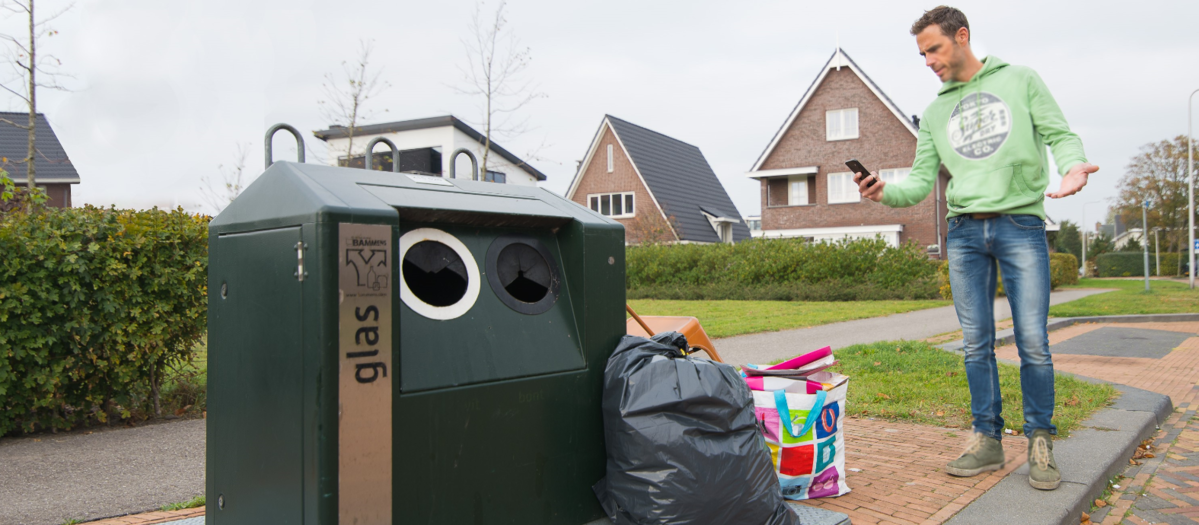
For citizens who use Fixi, the app is all about easily making a report to the right authority, from any device, anywhere in the Netherlands.
¶ Instantly access the status of your report
What is the status of my notification? The biggest frustration of a reporter is the lack of feedback about the report they’ve submitted. With Fixi, the reporter is automatically kept up to date about their report. For instance:
- they will receive notifications about status changes, or about comments made on their report, via the app and/or via email.
- They can easily access information about all public reports through the map.
¶ Flexiblity through simplicity
Do you want reports to be assigned to teams manually or automatically?
The Fixi platform offers several possibilities for this:
- Assign reports by category to the right team
- Automatic assignment based on attributes of a report
- Allow Self-managing teams to pick up work from the list of open reports
- A work distributor can be assigned specific rights and functionalities allowing them to assign open reports to the right teams
¶ A picture says more than a 1000 words
Handling a notification is often an administrative burden that takes a lot of time. The Fixi app especially for practitioners makes on-site handling easy, and the resident is immediately informed!
- Mobile App for handlers
- Easy on-site handling (a button can be clicked when the report is handled)
- Direct communication via app between reporter and practitioner
- The handler can easily add a photo of the result of the report.
- You can also involve external contractors in your process using Fixi
¶ An issue to report? I’ll call my municipality!
Most of the reports come in through the Customer Contact Center. Fixi makes it possible to quickly register a report on behalf of a resident or to request the status directly. Because it is so easy, we think it is important to encourage the reporter to do this themselves next time. Fixi makes this all possible by:
- A specific dashboard for the CCC user
- Notifications about redundant reports
- Being able to add additional (internal) information to a notification
- Automatic reference to the Fixi platform in the email notification about a report made though the CCC
¶ What are the trends in reporting in my area?
Get a grip on the reports in the public space and proactively respond to them. This can only be done on the basis of data. Fixi helps the agency with this insight through a dashboard that shows the following data:
- Number of reports by category and/or period and/or status
- Which channel is used most to submit reports?
- Average handling time by category
¶ Making a report
Go to www.fixi.nl or download the app from the Play or App store.
- Take a photo of the report or add a photo from your photo library.
- Select the location of the report or enter the street name.
- Describe the problem.
- Submit your report to the municipality.
¶ List of Functionalities
- Logging in
- Search bar and filters
- List of Reports
- Making a report while logged in
- Workflow
- Responding to a report
- Viewing the history of a report
- Deleting a report
- Dashboard
¶ Setting
Admin users can set the following items in settings: