¶ Fixi - Settings - Default reactions
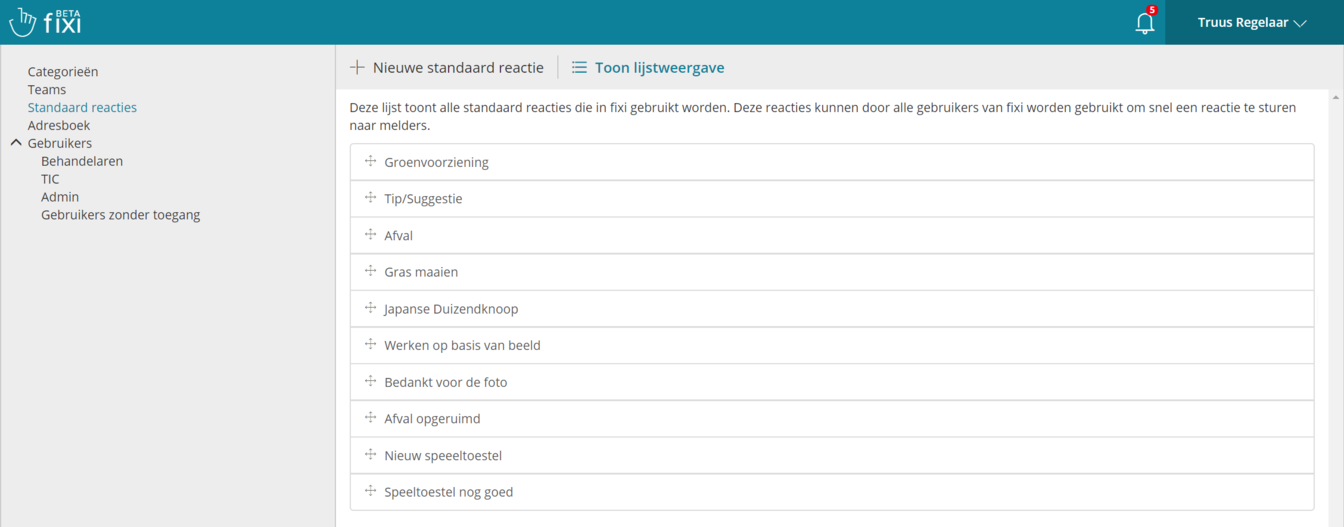
Here is an overview of the default responses from the fictional municipality of Meervoort:
¶ Create new default response
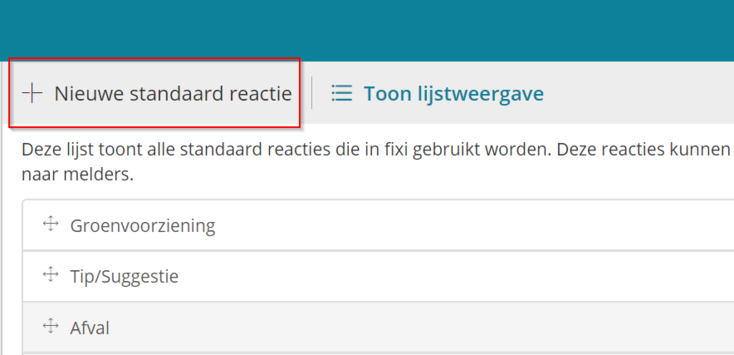
To create a new default response, click on ‘New default response’. You will get the following input fields:
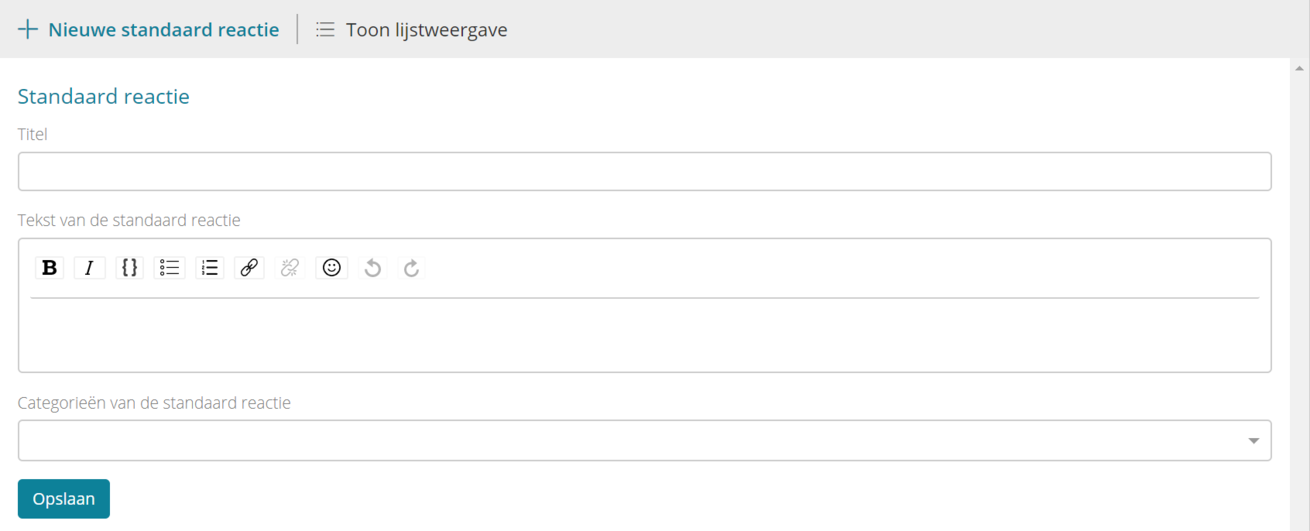
¶ Title
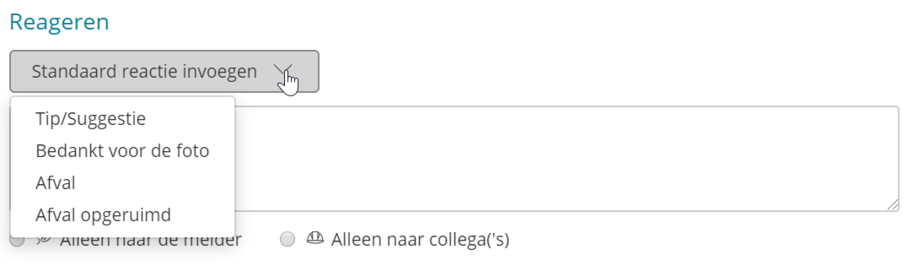
Here you enter the name of the default response. All default responses will end up in the dropdown for default responses. This dropdown can be found when responding to a report:
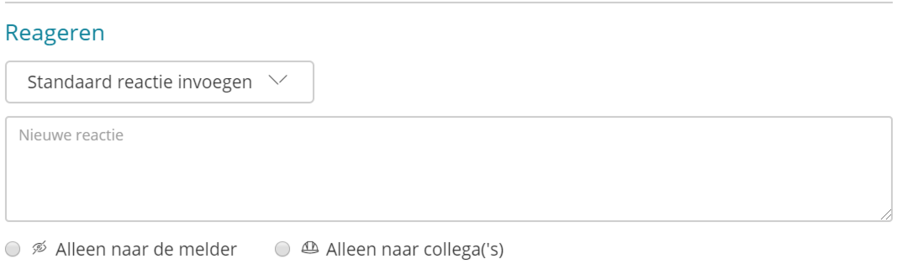
As soon as you click on this dropdown, the names of the default responses will appear:
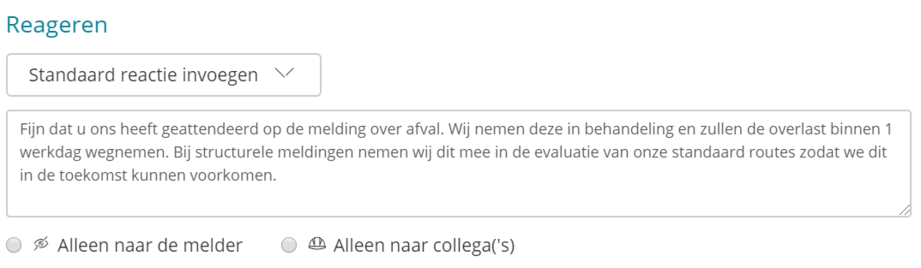
As soon as you click on, for example, ‘Waste’, this standard text is entered:
If you work with several municipalities in one Fixi environment and have separate teams per municipality, it is best to put the municipality name in the team name. This gives you a better overview in the list view of the default responses.
¶ Text of the default response
You can enter the respone text here:

When a handler has chosen the default response, the text is automatically entered in the response field:
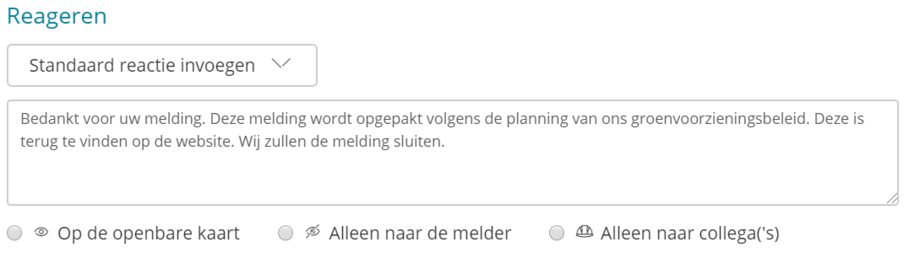
It is still possible to adjust the text.
¶ Categories of the default responses
Here you can select categories and the subcategories to which the default response should apply. As soon as you click on this field, a dropdown appears with all categories and subcategories:
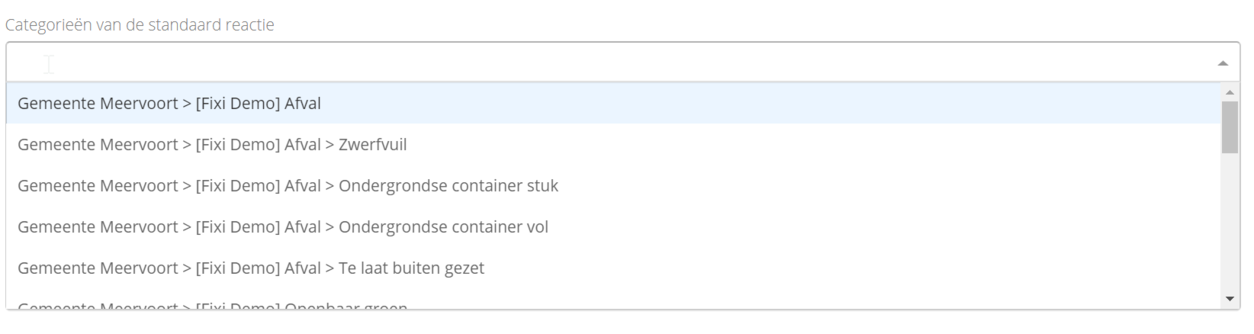
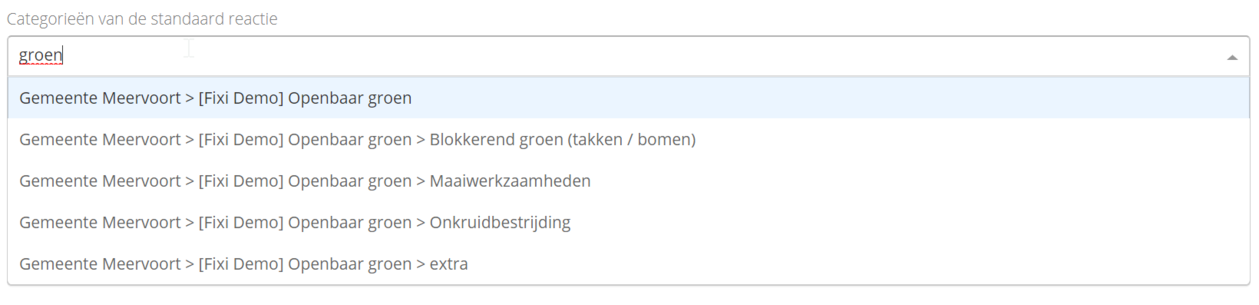
It is also possible to type a name of a category / subcategory. The dropdown is then automatically adjusted, allowing you to add a category more quickly:
We recommend that you create as many default responses as possible for your handlers, so that they can process reports quickly and easily. You can set multiple default responses per category or subcategory.
¶ Order default responses
It is possible to change the order with drag and drop:
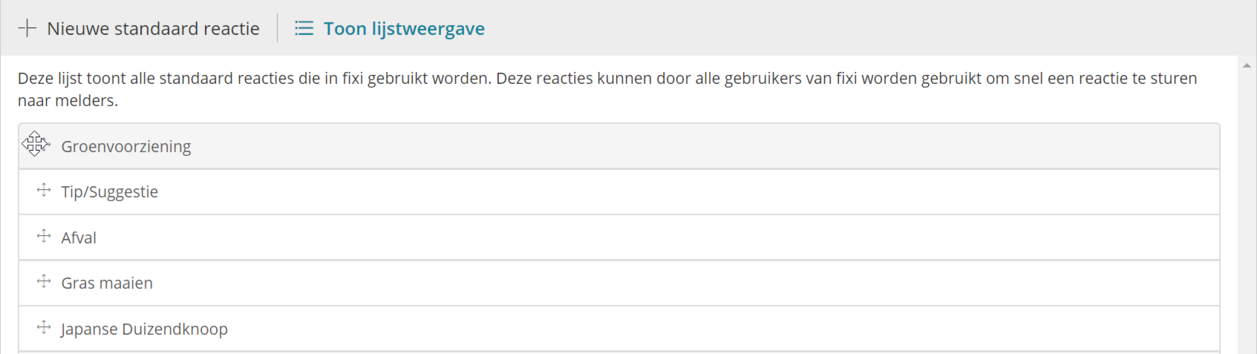
Once you have dragged the order into the correct order, click on ‘Update’ and the order is saved.