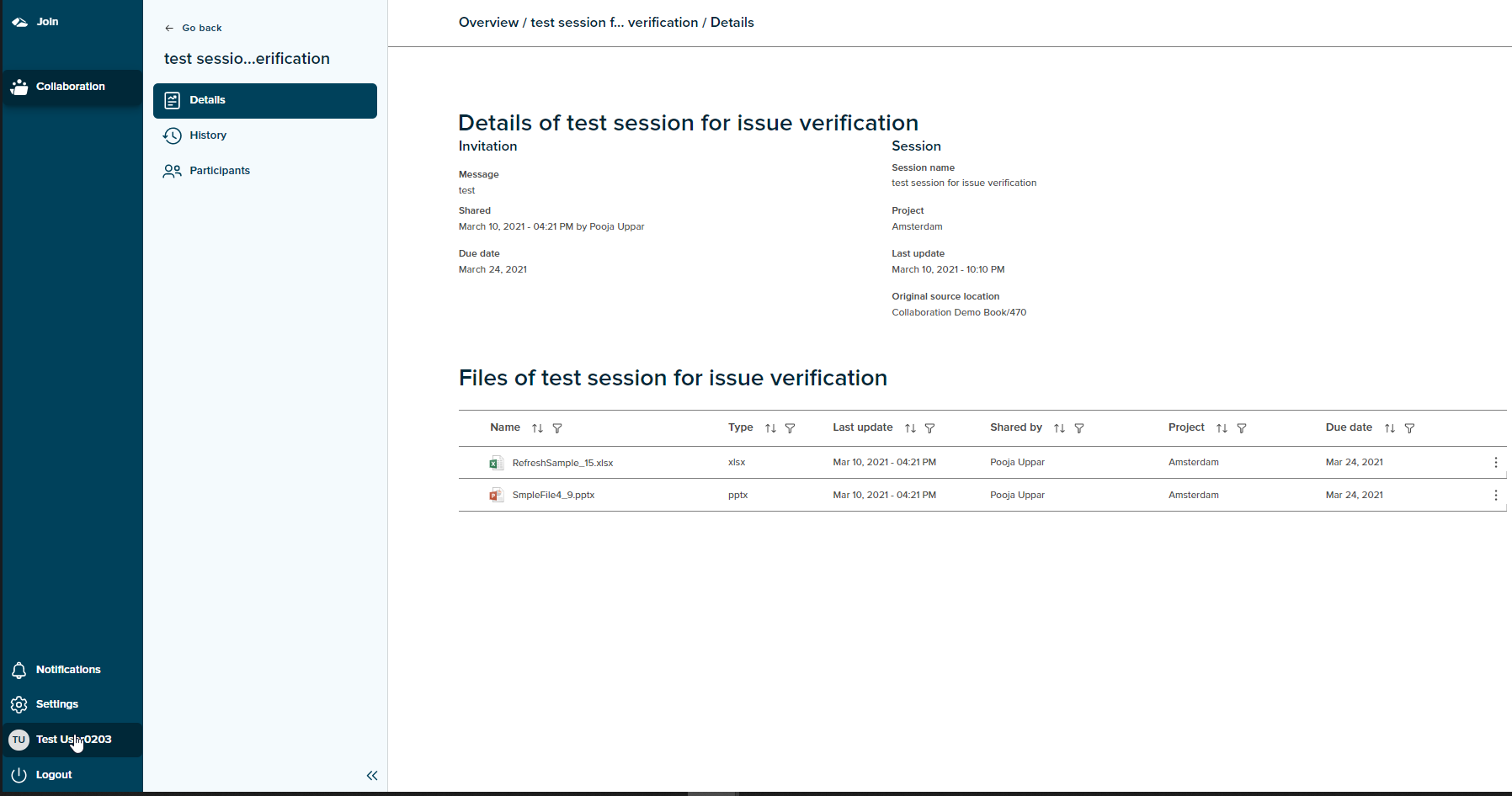
¶ Invite Guest user
A session initiator has an ability to invite participants while creating a session as well as for an existing session. On Invite of a user, the following process begins.
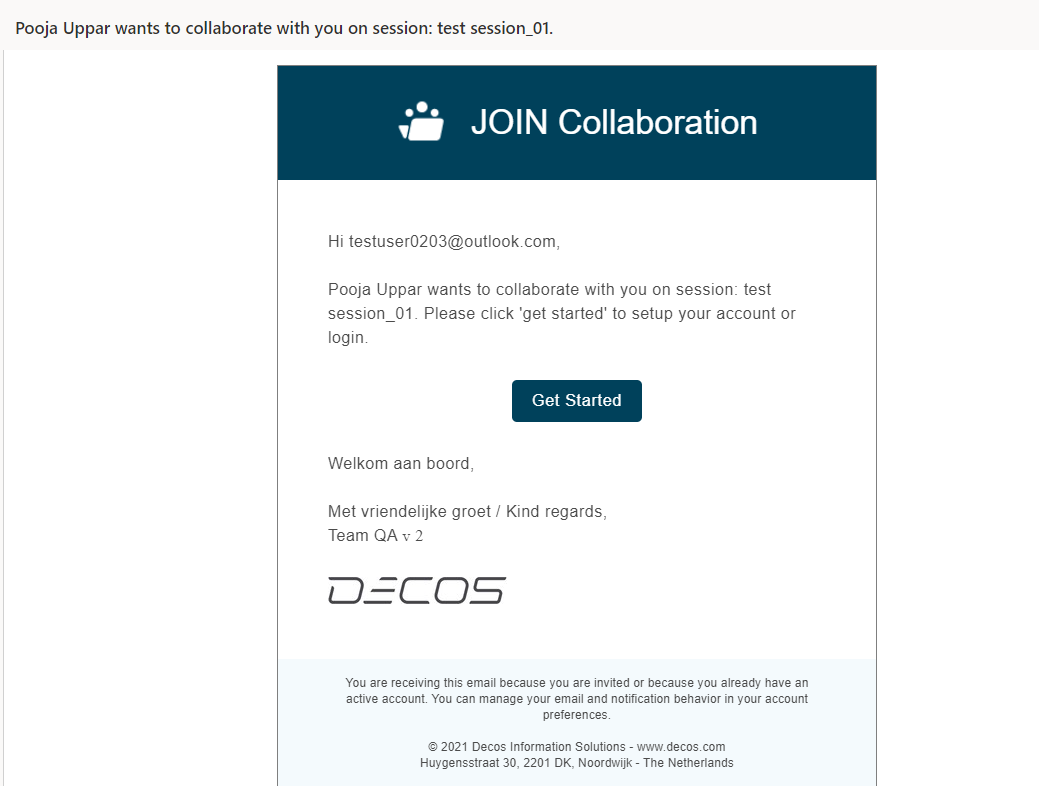
An email invitation link is sent to the guest user when a session initiator invites to a session. On access of the invite link as shown in image below, the guest user is taken to Decos authentication page.
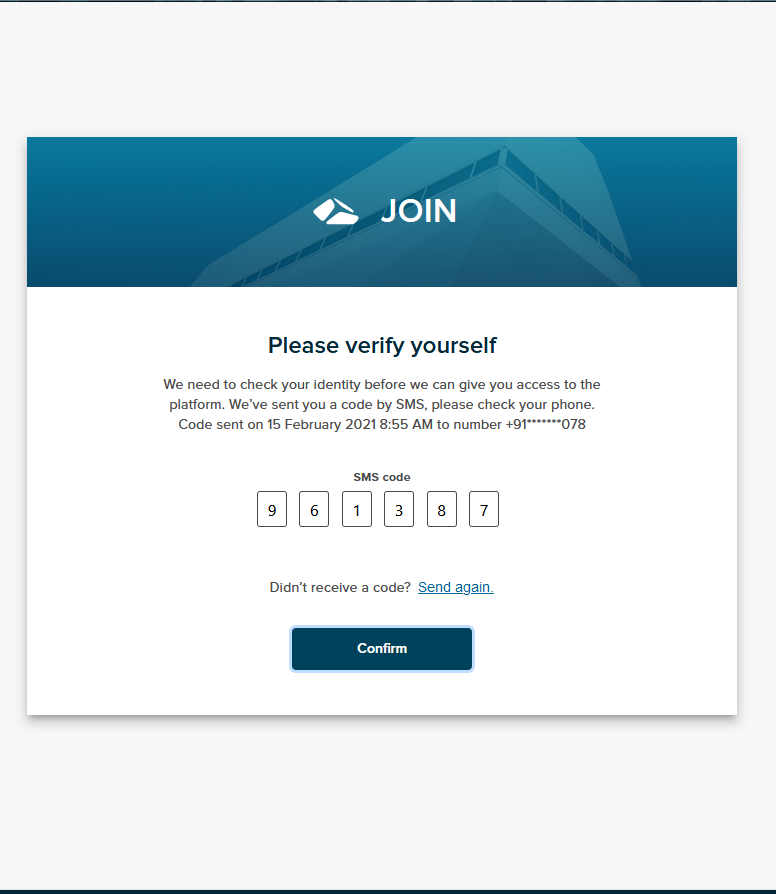
A SMS code is sent to the registered user phone number and the invited user needs the enter the code on the verification page as shown in image below.
The SMS code sent is valid for 5 minutes after that it expires. If user enters the expired or incorrect code an error message is shown as given below.
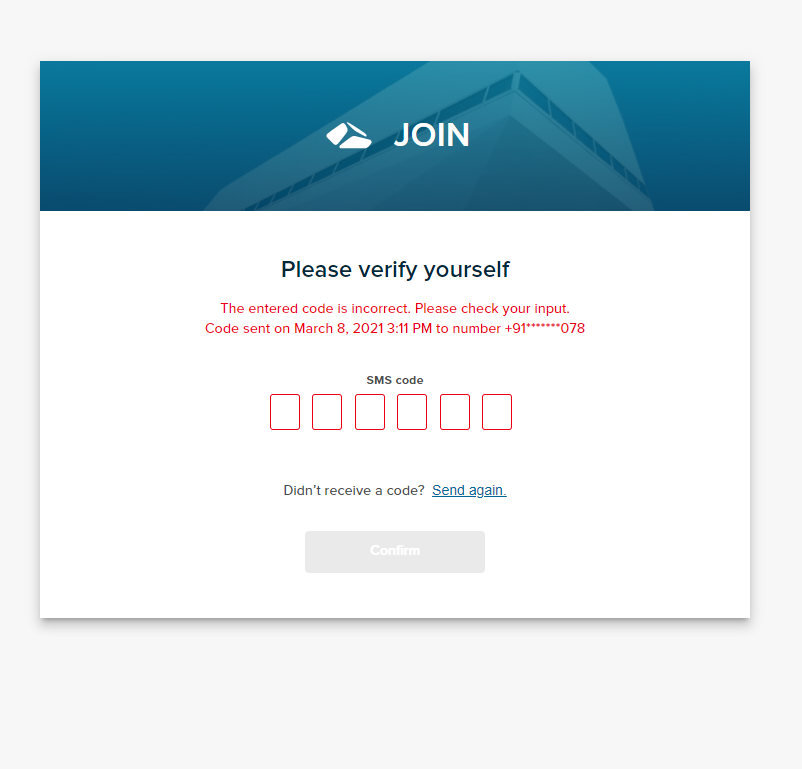
On click of ‘Send again’ link , a new SMS code is generated and sent to the user.
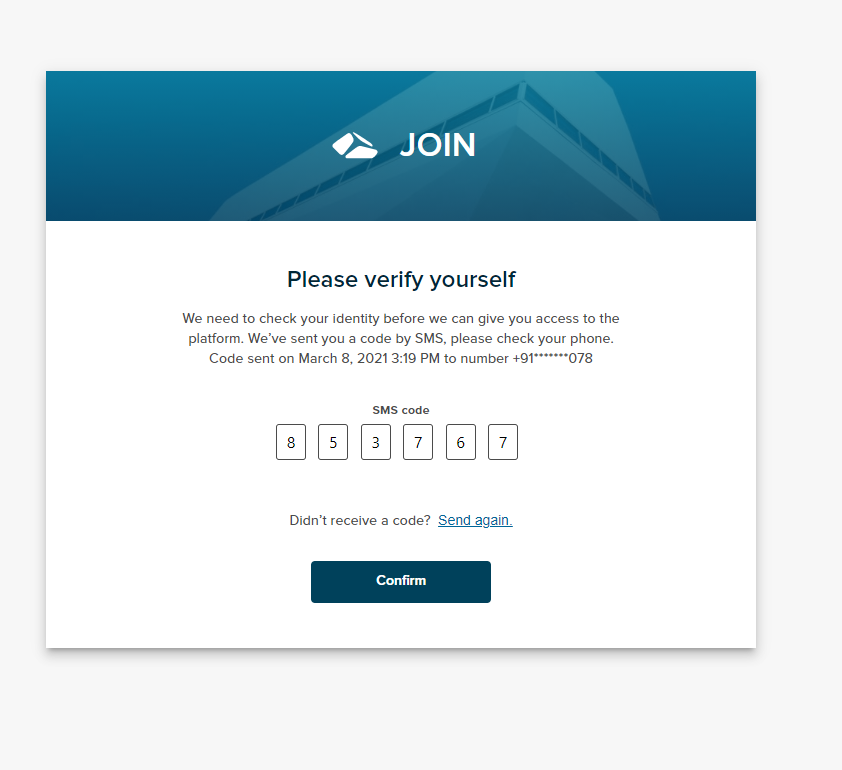
On successful verification of an invite code, the invited user is navigated to the ‘Create your Account’ page.
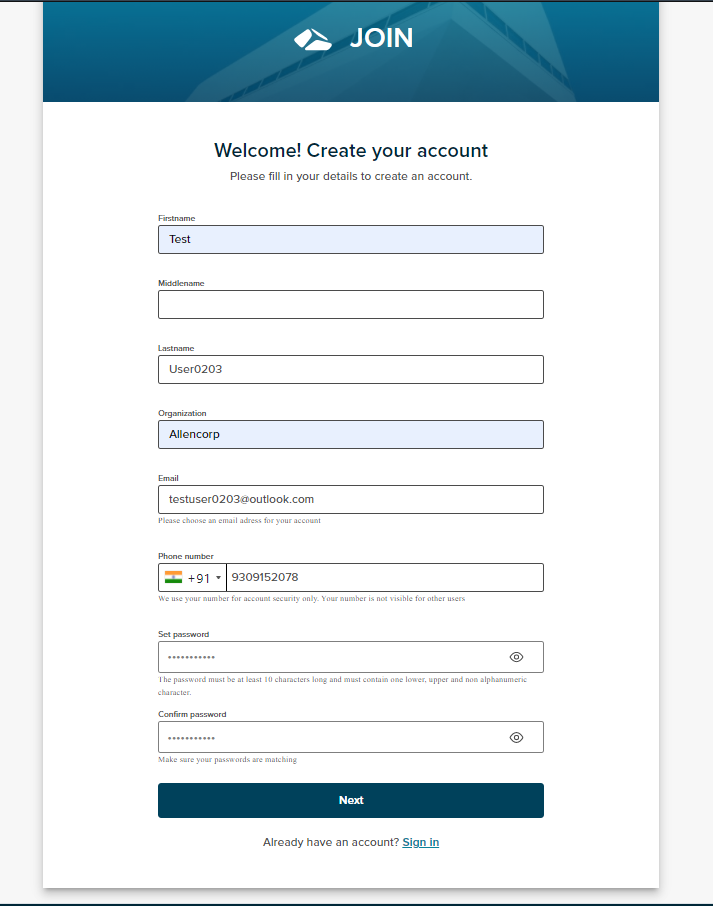
The invited user needs to fill in the mandatory details and set a password with mentioned criteria and the ‘Next’ button is enabled. Here, the organization and Password field is mandatory for a non-tenant user. If the invited user proceeds further keeping the mandatory field empty, a validation message is shown and the invited user won’t be allowed to proceed further.
Also, the email and phone number can be changed here on this page. On changing the email address or phone number, all the relevant communications with the invited user would consider the newly registered email ID or phone number.
On click of ‘Next’ button, the user is taken to End User License Agreement page .
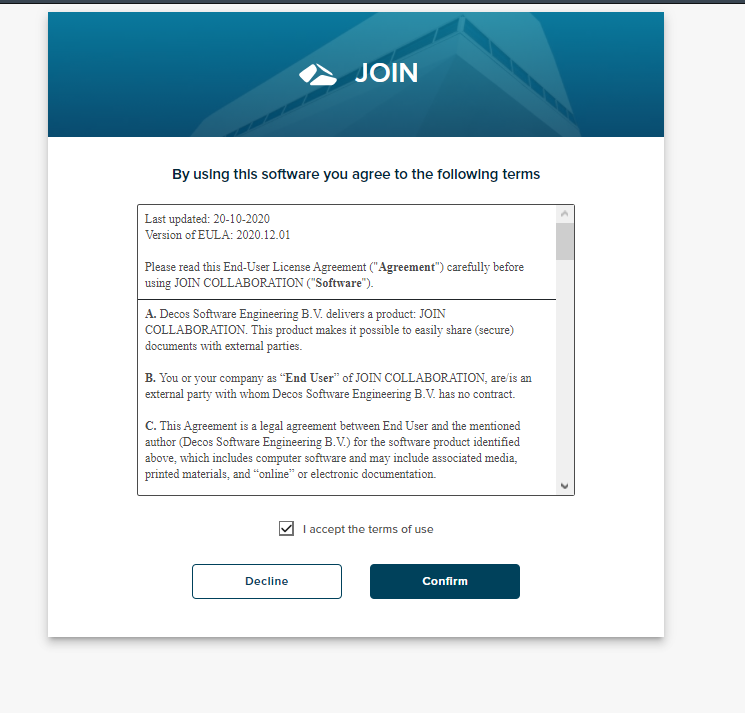
On acceptance of the terms of use, an account for the invited user gets created and a confirmation email as shown in image below is sent to the invited user in order to get a final confirmation from the user. The invited user can request for another Confimation email by clicking on ‘Send again’ link on the Confirmation page.
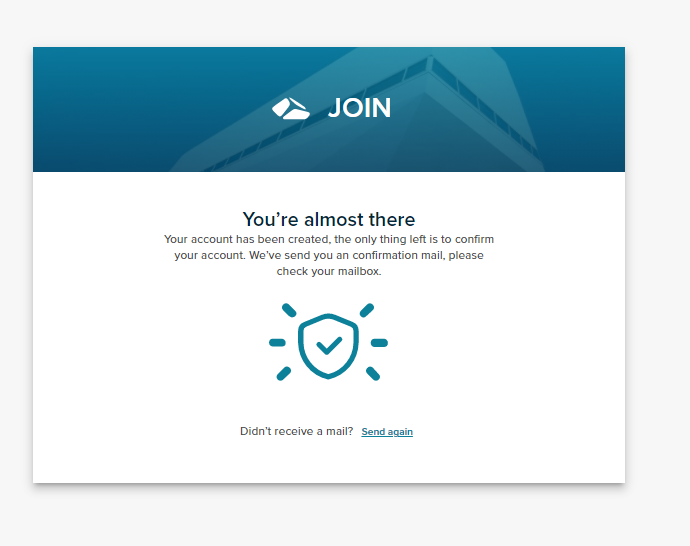
However, if the invited user declines the terms of use, the invited user is taken to Create Account page.
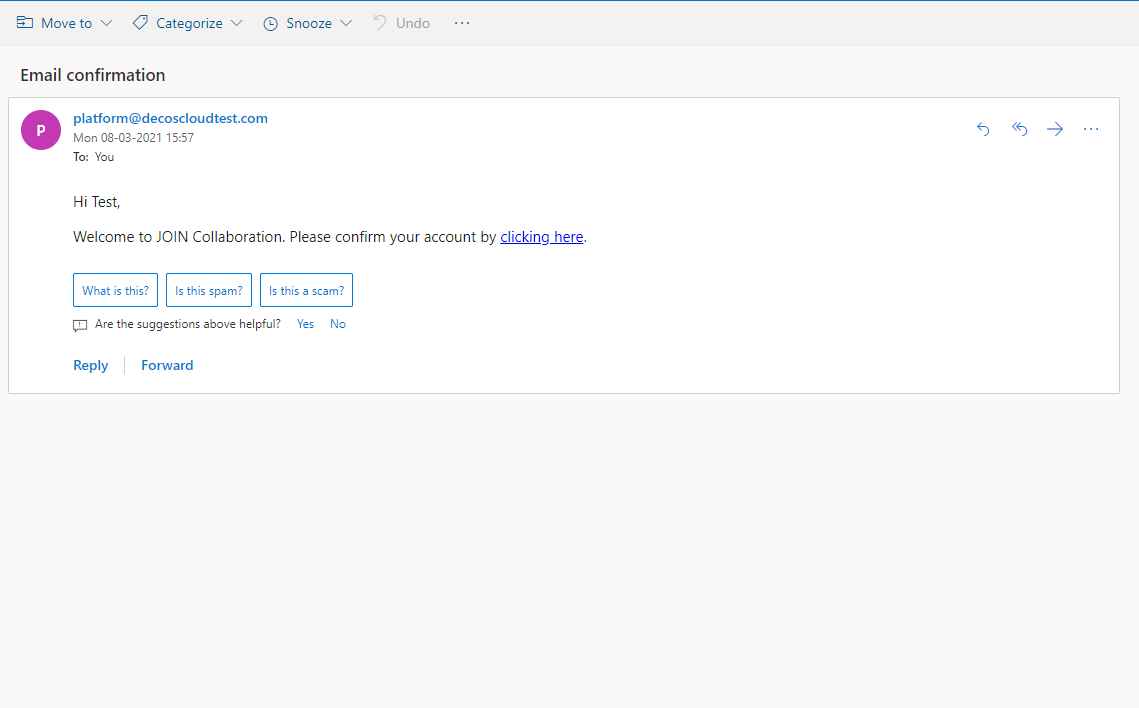
When the user access the confirmation email link, a SMS code is sent again to verify the user. After entering the SMS code, the guest user is taken to login page as shown below.
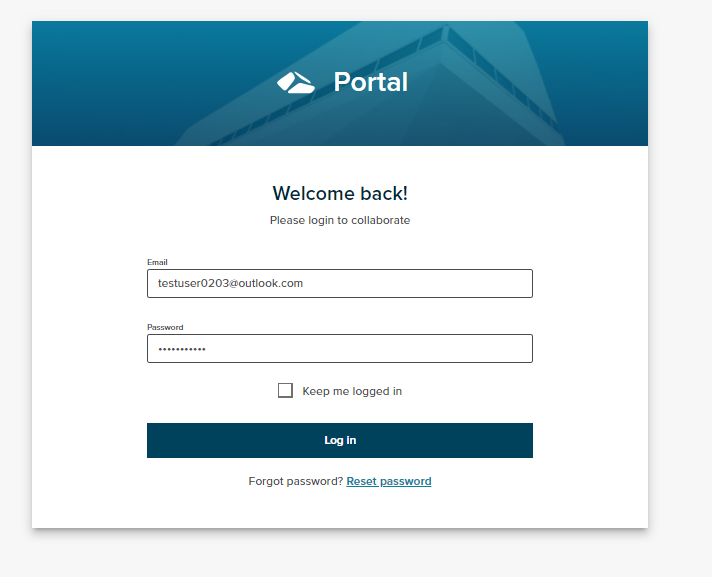
On entering the details and on click of ‘Login’ button, the guest user is then taken to 'Session overview’page.